

How to Charge Customers Online Without the Checkout Drama
A practical guide to charging customers online with simple payment links, fewer steps, and a smoother way to get paid.
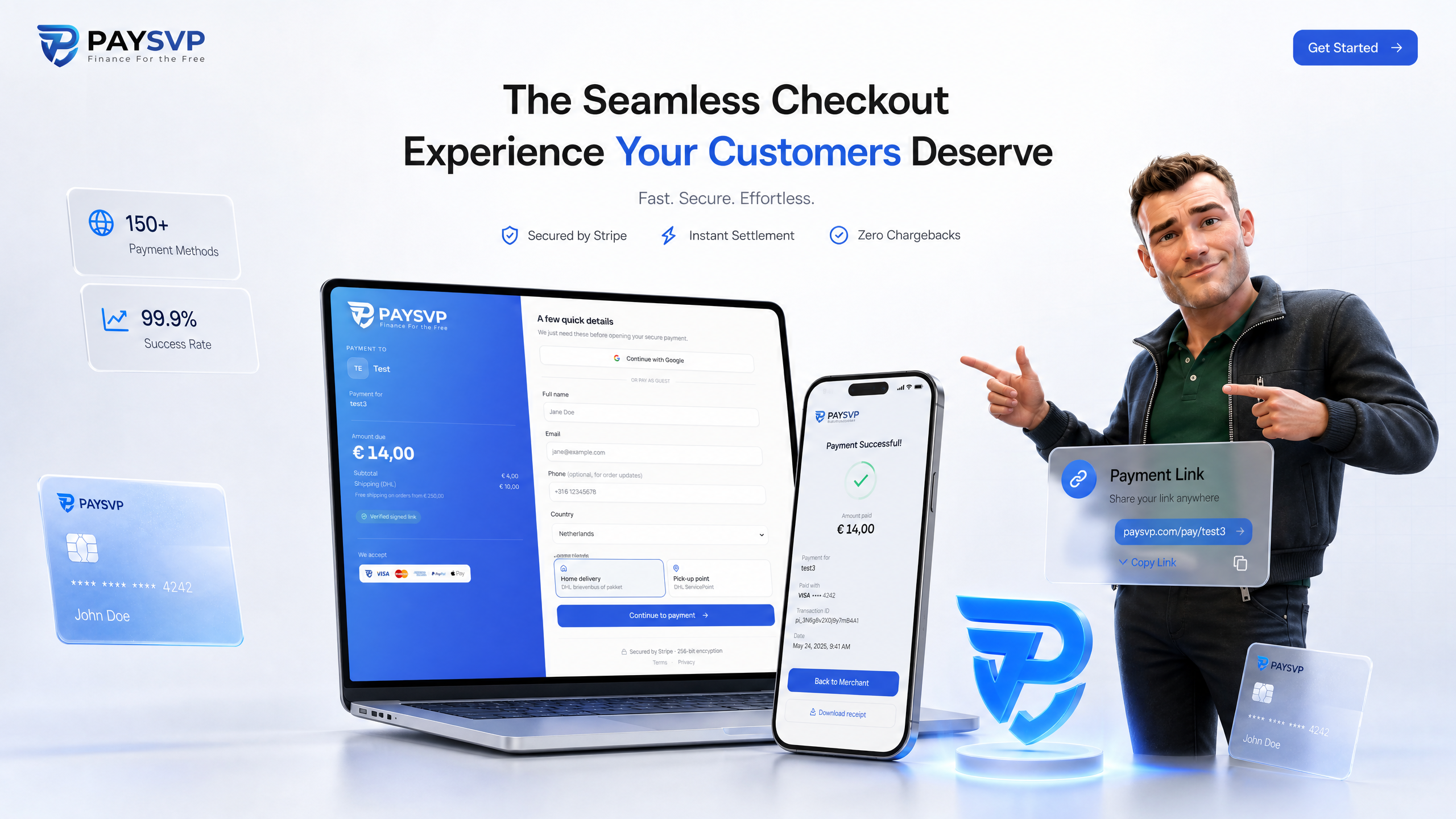
Charging customers should not feel like launching a rocket. If you just need to send a clean link, let someone pay, and move on, the way you charge matters more than you think.
For freelancers, creators, service businesses, and small shops, a full webshop is often overkill. A dynamic payment link can be faster, simpler, and easier for customers to trust.
What does it mean to charge customers online?
To charge a customer online means giving them a secure way to pay for a specific product, service, invoice, booking, or order without needing cash, bank transfers, or manual follow-up.
That can happen through:
- A checkout page
- An invoice payment button
- A webshop cart
- A QR code
- A direct payment link
The direct payment link is the lean option. You create a link for the amount, send it to the customer, and they pay with their preferred method.
With PaySVP, merchants can create dynamic Stripe payment links in a simple format like paysvp.com/shop/product/price. The customer opens the link and pays instantly using options such as iDEAL, cards, Bancontact, Apple Pay, and optionally USDC on Polygon.
No heavy build. No custom checkout project. No waiting for someone to copy bank details correctly.
Why payment links work so well
Payment links are useful because they remove friction. Your customer does not need to create an account, search your site, or figure out what to do next.
They click. They check the amount. They pay.
That is especially helpful when you sell:
- Custom services
- One-off products
- Event tickets
- Deposits
- Repairs
- Digital downloads
- B2B orders
- Social media offers
If your sales often happen in WhatsApp, email, Instagram DMs, or phone calls, a payment link fits naturally into the conversation.
The simple payment link flow
A good online payment flow should be boring in the best way. Clear, predictable, and quick.
Here is the typical PaySVP flow:
- You decide what the customer needs to pay.
- You create a dynamic payment link with the product and price.
- You send the link by chat, email, invoice, or social message.
- The customer chooses a payment method.
- Stripe processes the payment.
- You can confirm the order and get to work.
That is it.
The big win is that you do not need to build a complete storefront just to collect a payment. If you already have a product page, booking system, PDF quote, or sales conversation, PaySVP can sit beside it as the payment layer.
Where to send the link
You can use a payment link almost anywhere your customer already is:
- Email quotes
- WhatsApp messages
- SMS confirmations
- Instagram or TikTok DMs
- PDF invoices
- QR codes at events
- Landing pages
- Customer support chats
This makes it easier to charge at the exact moment the customer is ready. Not later. Not after a long form. Right now.
Takeaway: the best time to ask for payment is when the customer has already said yes. A direct payment link helps you capture that moment.
Worked example: charge for a custom service
Let us make it concrete.
Imagine you run a small bike repair service in Rotterdam. A customer messages you because their e-bike needs a brake repair and a new tyre. You inspect the bike and agree on the final price.
Your quote looks like this:
- Brake repair: €85
- New tyre: €45
- Labour: €60
- Pickup and delivery: €20
Total: €210
Instead of sending bank details and waiting for a manual transfer, you create a PaySVP payment link for the service.
For example:
paysvp.com/shop/ebike-repair/210
You send the customer a short message:
Hi Sam, your e-bike repair total is €210 including pickup and delivery. You can pay securely here: paysvp.com/shop/ebike-repair/210
The customer opens the link, chooses iDEAL or another available payment method, and pays. You get confirmation and can schedule the repair.
Why this beats manual bank transfers
Manual transfers are familiar, but they can slow everything down.
Common issues include:
- Customers forget to pay
- References are missing or unclear
- Amounts are typed incorrectly
- You need to check your bank manually
- The payment step feels disconnected from the sale
A payment link keeps the amount, product, and payment action together. That makes the experience cleaner for both sides.
It also feels more professional. Customers are used to paying through secure checkout pages. A clear link with modern payment options gives them confidence.
Best practices before you send the link
A payment link is simple, but a little structure makes it much better. Before you send one, check these basics.
Make the product name clear
Use a name your customer will recognize. Instead of service-1, use something like logo-design, bike-repair, deposit, or march-workshop.
Clear names reduce confusion and help you match payments to orders later.
Confirm the price first
Do not surprise people with a payment request. Confirm the amount in the conversation, quote, or invoice before you send the link.
A simple sentence works:
The total is €210 including pickup and delivery. I will send the secure payment link now.
Keep the message short
The link should be the main action. Avoid long paragraphs around it.
A good payment message includes:
- What the customer is paying for
- The amount
- The payment link
- What happens after payment
Example:
Your workshop ticket is €49. Pay here and I will email your confirmation: [payment link]
Offer the right payment methods
Different customers prefer different ways to pay. In the Netherlands, iDEAL is essential for many buyers. In Belgium, Bancontact matters. Cards and Apple Pay are useful for fast mobile checkout.
PaySVP works with Stripe payment links, so you can give customers familiar payment options without managing each method manually.
If you sell to Dutch customers, it is also smart to follow payment changes in the market. We wrote about that here: iDEAL and Wero: what you need to know.
Test the customer journey
Before using payment links at scale, test the flow yourself.
Ask:
- Is the link easy to open on mobile?
- Is the amount correct?
- Is the product name understandable?
- Does the confirmation process make sense?
- Do customers know what happens next?
Small details create trust.
When should you use a payment link instead of a full checkout?
A full checkout is great when you have a large product catalogue, stock management, discount logic, accounts, shipping rules, and a shopping cart.
But not every business needs that.
A payment link is often better when:
- You sell one product at a time
- The price changes per customer
- You sell through conversations
- You need deposits or partial payments
- You want to launch quickly
- You do not want a complex website build
- You are testing a new offer
This is where PaySVP shines. It is built for merchants who want to move fast and get paid without turning every idea into a development project.
Good use cases
Here are a few simple examples:
- A photographer charges a €150 booking deposit
- A coach sells a €75 one-hour session
- A food vendor takes pre-orders for a weekend menu
- A creator sells a limited digital product
- A consultant sends a custom €1,200 project invoice
- An event organizer collects payments for a small workshop
In each case, the customer does not need a full shopping cart. They need one clear payment action.
If you want to see how PaySVP fits into your flow, check how it works or get started.
FAQ
Can I charge customers without a webshop?
Yes. That is one of the main reasons to use payment links. You can sell through email, chat, social media, PDF quotes, or a simple landing page, then send a secure payment link when the customer is ready.
A webshop can still be useful later, but you do not need one just to start collecting payments.
Is a payment link good for one-off prices?
Yes. Dynamic payment links are especially useful for custom prices. If every order is different, you can create a link for the exact amount instead of forcing everything into fixed product pages.
That makes payment links a strong fit for services, repairs, consulting, custom products, events, and deposits.
What should I include when I send a payment link?
Keep it simple. Include the product or service, the total amount, the link, and the next step after payment.
For example:
Your design deposit is €250. Please pay securely here: [payment link]. Once it is paid, I will reserve your project slot and send the kickoff email.
Conclusion
The easier you make it to charge, the easier it is for customers to say yes and actually pay. Payment links remove the messy middle between agreement and money received.
PaySVP gives merchants a fast, flexible way to create dynamic Stripe payment links and accept familiar payment methods like iDEAL, cards, Bancontact, Apple Pay, and optionally USDC on Polygon.
If you want fewer payment delays and a smoother customer experience, try PaySVP today. Finance for the Free starts with getting paid on your terms: get started.
Related reading
Newsletter
Get new articles & PaySVP updates
Practical tips on getting paid faster, straight to your inbox. No spam — unsubscribe any time.
Get paid the easy way
Send a link. Get paid.
Create a PaySVP payment link in seconds and let customers pay with iDEAL, cards, Bancontact or Apple Pay.
Create a payment linkKeep reading
Payments
Mastercard Payments Made Simple with Pay Links
Accept Mastercard online without building a checkout. See how dynamic PaySVP payment links help merchants get paid faster via Stripe.
ReadPayments
GoDUTCH Business Bankaccount: Bold Review for Merchants
A bold merchant-focused review of GoDUTCH and how to choose a business bank account that actually supports modern payments.
ReadPayments
iDEAL wordt WERO wat moet je weten
iDEAL becomes Wero: learn what changes for Dutch merchants, what customers will notice, and how to prepare your checkout.
Read